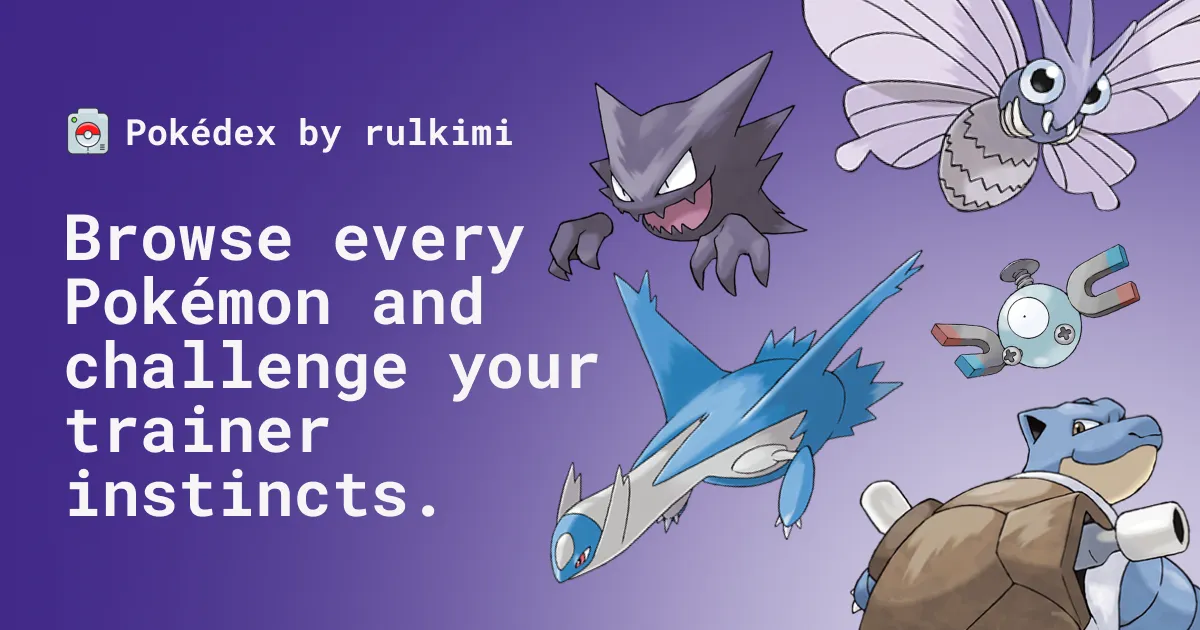
Discovering the Magic of Public APIs with a Pokédex
If you were to ask me what my favorite childhood franchise is, it would undoubtedly be Pokémon. Growing up, the idea of having a real, working Pokédex was a universal dream for a lot of us.
When I first started diving deeper into web development, I learned about a concept that blew my mind: Public APIs. I genuinely didn’t know that there were massive, open databases out there specifically built for developers to request and play with data for free.
And the very first one that caught my attention? PokéAPI.
Discovering that I could make a simple web request and instantly receive detailed stats, abilities, and images of any Pokémon felt like magic. Naturally, I knew exactly what my next side project had to be.
1. The Goal: Building My Own Pokédex
The goal of this project wasn’t just to fetch a list of names. I wanted to build an interactive, visually pleasing Pokédex that felt good to use.
This project was built with a modern stack to help me practice newer tooling:
- Framework: Next.js 15 (App Router)
- Styling: Tailwind CSS v4 and ShadCN UI
- Animations: Motion (formerly Framer Motion)
- State Management:
nuqsfor type-safe URL query state
2. Navigating Generations and Pagination
The Pokémon universe is massive, with over a thousand creatures. Loading them all at once would be incredibly slow and an irresponsible use of a free API.
To solve this, I designed the routing architecture to group Pokémon by their specific Generations.
For example, navigating to /pokemons/1/0 loads the first generation with pagination to keep the data load light. (I know, the /pokemons/[gen]/[page] URL structure isn’t the most elegant. Trust me, I’m not entirely proud of it, but it works for now and I haven’t found the time to rethink or execute a better approach just yet!) It involved figuring out how to map PokéAPI’s national Pokédex limits into discrete chunks of data that the user could filter and explore seamlessly.
Using nuqs (Next.js URL Query State), I was able to keep search filters and pagination locked directly into the URL. This means you can search for a specific Pokémon, refresh the page, and the application remembers exactly where you were.
3. “Who’s That Pokémon?” The Silhouette Guessing Game
Once I had the core browsing functionality working, I wanted to add something fun. I remembered the iconic ad-breaks from the Pokémon anime: “Who’s That Pokémon?”
I built a dedicated /guess route that turns the Pokédex into a mini-game:
- Randomization: The app fetches a random Pokémon from the API.
- Silhouette Effect: Using CSS filters (
brightness(0)andcontrast(0)), I completely blacked out the official artwork sprite to create a silhouette. - The Reveal: When the user types the correct name, a success animation triggers, removing the CSS filter and revealing the colorful artwork along with their stats.
It was a surprisingly simple feature to implement, but seeing the silhouette transition into the full-color image was incredibly rewarding and nostalgic.
4. UI Polish and Visual Details
Because it’s a Pokédex, the visual experience matters just as much as the data.
I leaned heavily into Motion to ensure page transitions and interactions felt fluid. I also added context providers (like a custom sprite-provider.tsx) to manage the loading states of the high-resolution artwork so that users aren’t staring at broken image icons while the API resolves.
Summary
Building this Pokédex was a huge milestone project for me. It was the bridge that took me from building static, hard-coded websites to interacting with dynamic, real-world data over the network.
Every time I look at this project, I’m reminded of that initial moment when I first realized how interconnected the web is, and how APIs enable us to build almost anything we can imagine.